
3D Printed Nameplates
by Nicholas Williams
In this lesson, students work with an assigned customer to create a 3D-printed nameplate. Working through the steps of the engineering design process, students use a 3D modeling software, Tinkercad, to design a nameplate and print a final product for their customer.
Lesson Plan Link/URL
https://docs.google.com/presentation/d/17ANJGMlBWiN35OQffKmqsj1tw8TaC5GX/edit?u…Subject Area
Technology 4. Innovative Designer 6. Creative Communicator Engineering S2: Apply the Engineering Design Process
Featured
Off
Related Content

Grades:
6th Grade, 7th Grade, 8th Grade
Students will create their own cookie cutters to fill a custom order in their bakery. They will need access to 3D design software like Tinkercad and access to a 3D printer. It's even more fun when you
Grades:
4th Grade, 5th Grade, 6th Grade, 7th Grade, 8th Grade
Students become engineers and create a modified adaptive device after disassembling and assembling eyewear and creating a new adaptive device in this engaging lesson. This real-world problem-solving
Grades:
6th Grade, 7th Grade, 8th Grade
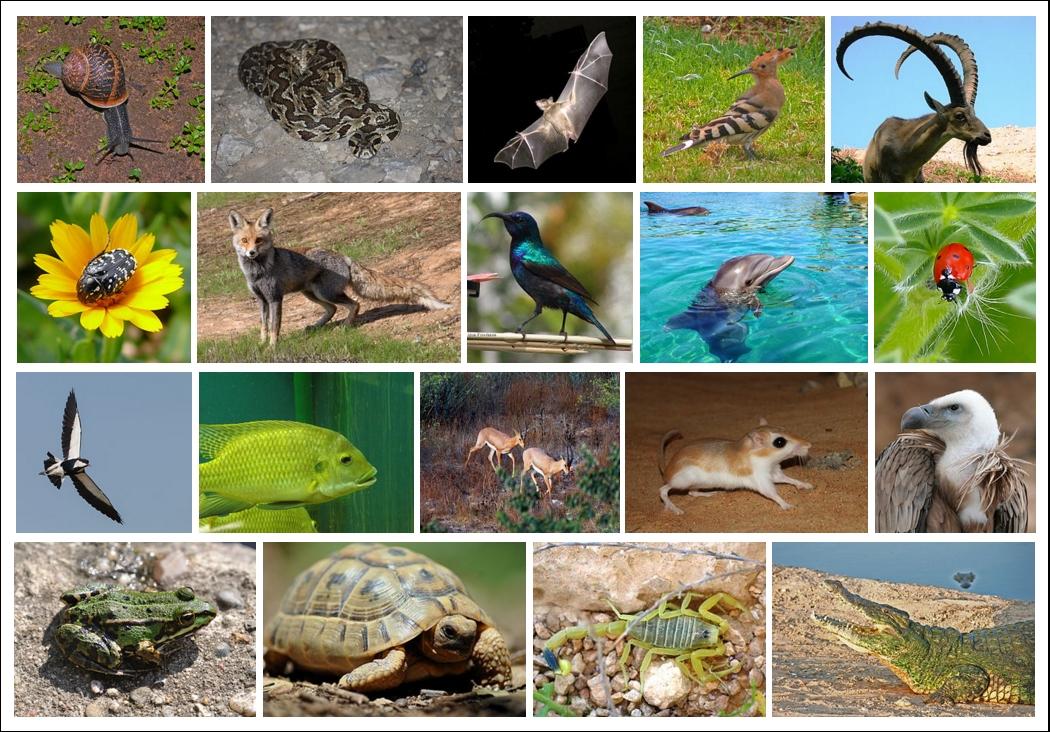
In this lesson, students will learn about biomimicry—the design and production of materials, structures, and systems modeled on biological entities and processes. Students will explore examples of