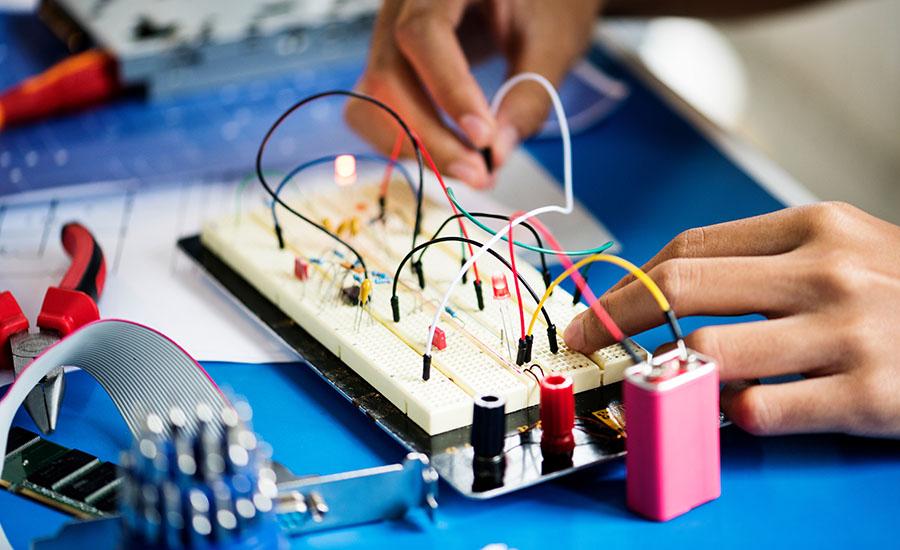
Students will create an Operation Style Game using the Makey Makey Kits and the coding program SCRATCH. Students will learn how to create circuits and use the Makey Makey Kits to complete circuits to

The lesson will help teachers and students who are learning the basics of 3D printing. There will be a list of vocabulary, video, student discussion, sketching a prototype and using Tinkercad to
Students learn the history of rocketry, and the science behind rockets, and then design, build, and launch bottle rockets with compressed air and water.
Students will upload their pictures into the Stop Motion app on the Ipad to edit with sound effects. Students will then be able to select a green screen background to use when they upload the film
Lesson 3 of 4 - This lesson focuses on students will begin taking photographs of their Lego “set” using the Ipad or Chromebook on a tripod to capture stop-motion movement with the individual pictures
A Stop Motion Animated Movie with a Green Screen background based off of a Lego Challenge built in Lesson 1. Students will create a storyboard and script. This is Lesson 2 of 4 lessons.
Part 1 of a four-part series of lessons that begins with a Lego Challenge which will become the set for a stop motion video created by students.
This is a continuation of lessons 1, 2 and 3. Students will test their cars for distance and speed. Students will add weight to the car and test for distance and speed again to determine if their car
This is a continuation of lesson 1 and 2. Students will learn about kinetic vs. potential energy and apply that knowledge to their car designs.