Grades:
4th Grade
Students will upload their pictures into the Stop Motion app on the Ipad to edit with sound effects. Students will then be able to select a green screen background to use when they upload the film
Students will upload their pictures into the Stop Motion app on the Ipad to edit with sound effects. Students will then be able to select a green screen background to use when they upload the film
Lesson 3 of 4 - This lesson focuses on students will begin taking photographs of their Lego “set” using the Ipad or Chromebook on a tripod to capture stop-motion movement with the individual pictures
A Stop Motion Animated Movie with a Green Screen background based off of a Lego Challenge built in Lesson 1. Students will create a storyboard and script. This is Lesson 2 of 4 lessons.
Part 1 of a four-part series of lessons that begins with a Lego Challenge which will become the set for a stop motion video created by students.
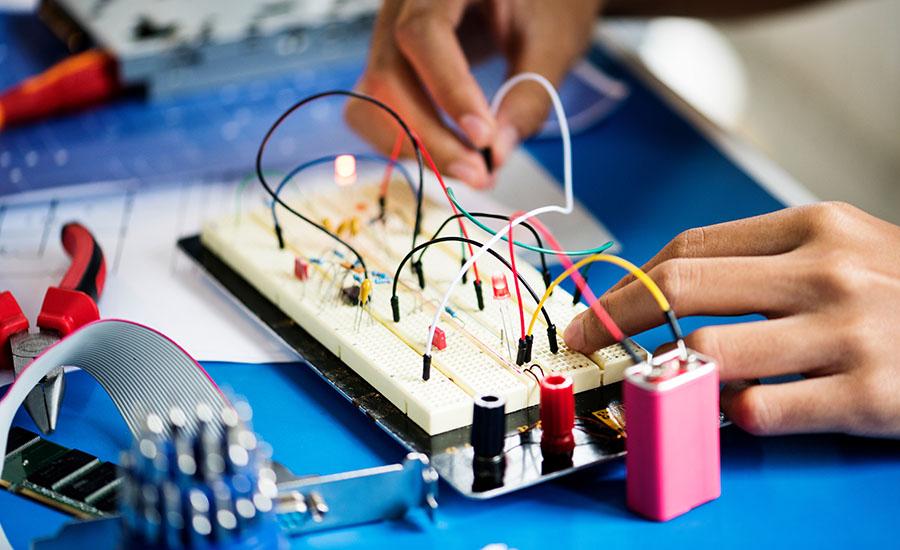
In this first part of a three part unit, students explore the phenomenon of an LED light and a coin battery. They will discover the difference between a closed and open circuit, using a STEM journal
Students will work together to create a skyscraper using different types of materials. This activity aims to see how the shaking movements of the ground, called seismic waves, affect the skyscraper
This is the first of four lessons. In this introductory lesson, students will explore different ways to affect the movement of a marble while going through the Engineering and Design Process.
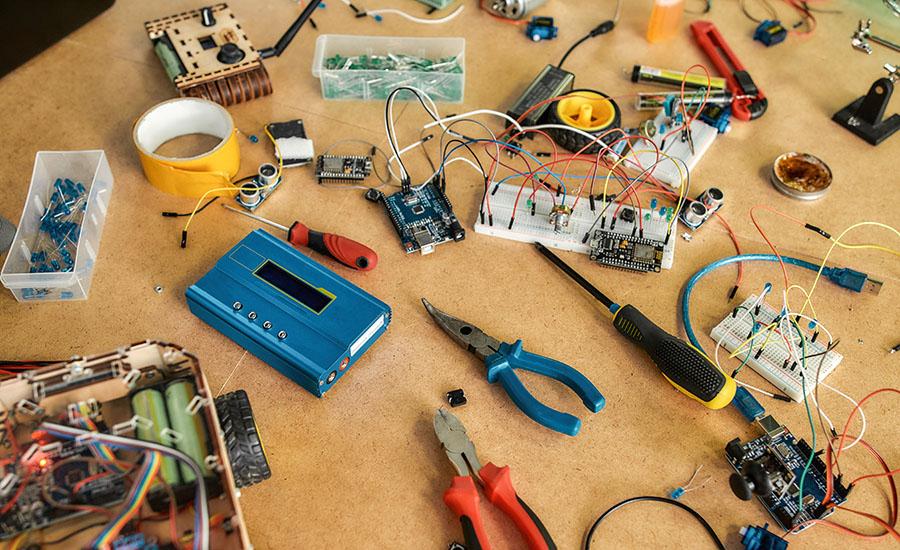
In this engaging elementary school lesson, students use the engineering design cycle to identify and solve problems, incorporating technology while reflecting on their process and sharing their
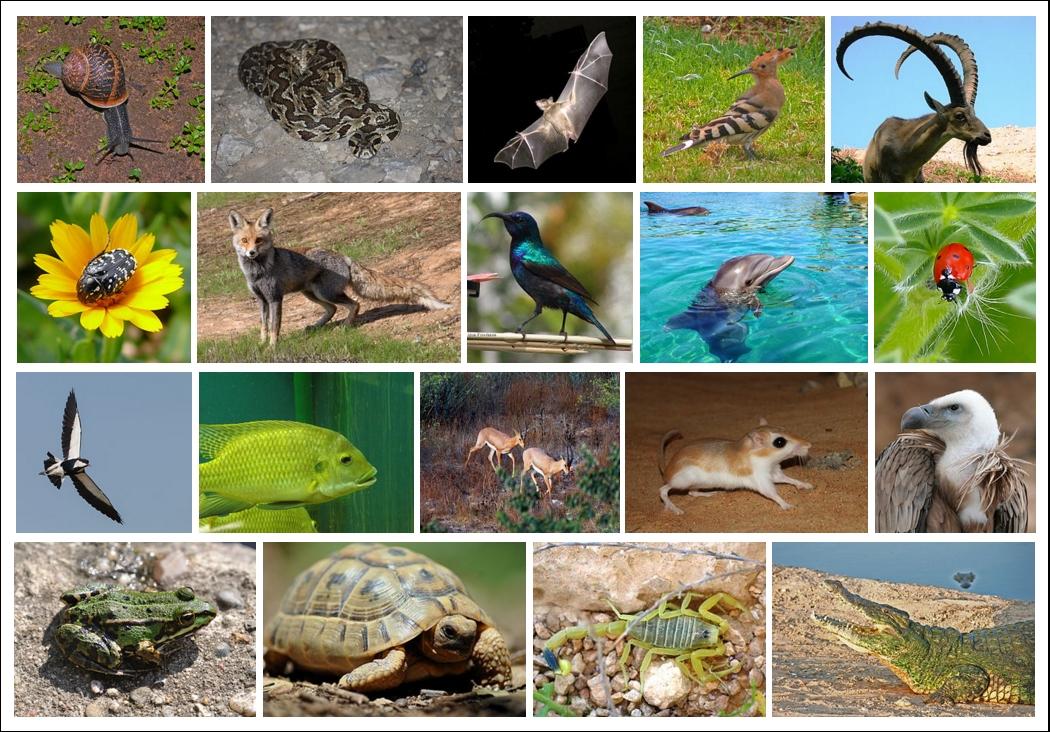
In this lesson you will have the opportunity to have students build a domain from the movie/book The One and Only Ivan. Students will have the chance to build and rebuild their domain if needed. As